

Settings
Everything under Account, in one place.
On this page
Open Account settings
Open the menu (☰) and tap Account. On a tablet or computer, tap Account directly in the sidebar.
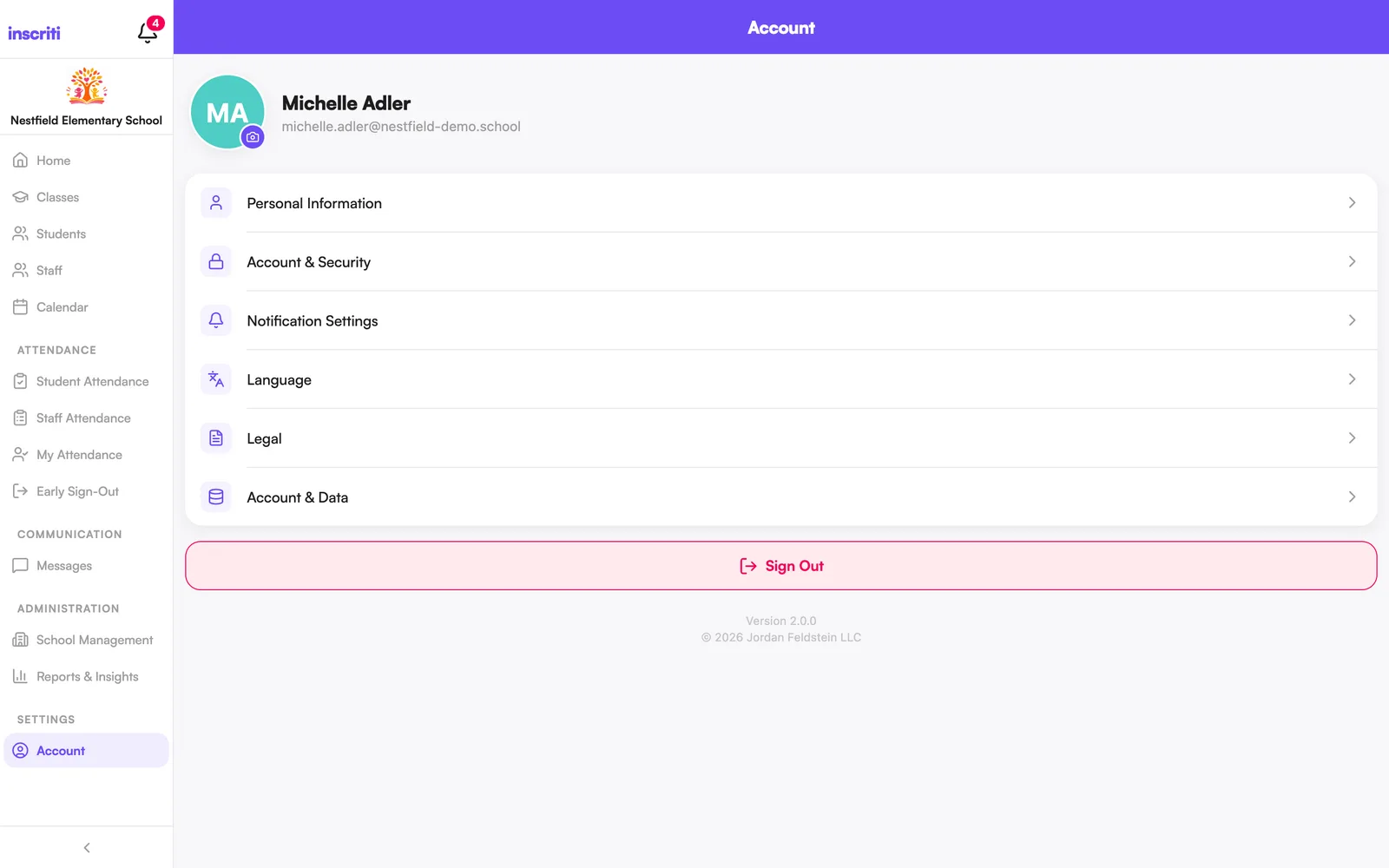
Update your personal info (name, phone, photo)
See the Your Account guide.
Change your password or sign-in method
See how to change your password, or connect/unlink Google and Apple in Account & Security.
Change the app language
View the Terms and Privacy Policy
See the Legal section for the Privacy Policy, Terms of Service, and EULA.
Manage or delete your account data
Sign out
Open the menu (☰), tap Account, then scroll down and tap Sign Out.
Manage notification preferences
From Account, tap Notification Settings. See the Notifications guide for what each toggle does.
Was this page helpful?
Still stuck?
Email us your school name, your role and what you were trying to do. A person answers, usually within one business day.
© 2026 Jordan Feldstein LLC · Inscriti Help Center · Settings · inscriti.com/help