

The roster everything else runs on.
Students, guardians, classes and teachers are kept together. Attendance, posts, messaging and reports all read from the same list, so it only needs to be right once.
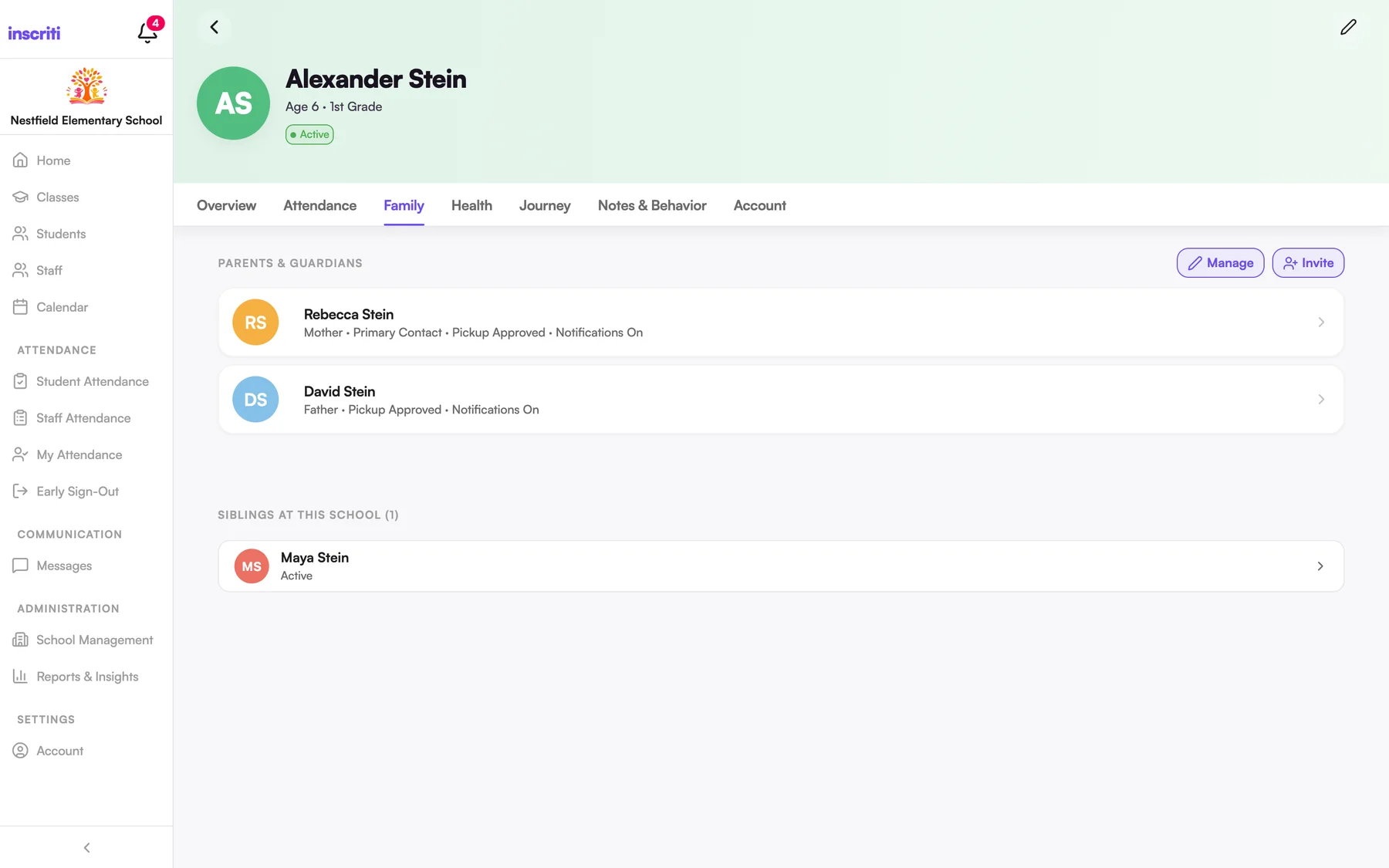
A profile for every student.
Add students one at a time, or import the whole school from a CSV. Each profile holds guardians, classes, attendance history and any custom fields your school tracks, like allergies or bus number.
- Bulk import from a spreadsheet, with a preview before anything is saved
- Enroll by school year and by class
- Withdraw and re-enroll without losing history
- Add milestones, photos and awards to a child's Journey, and choose which ones to share with parents
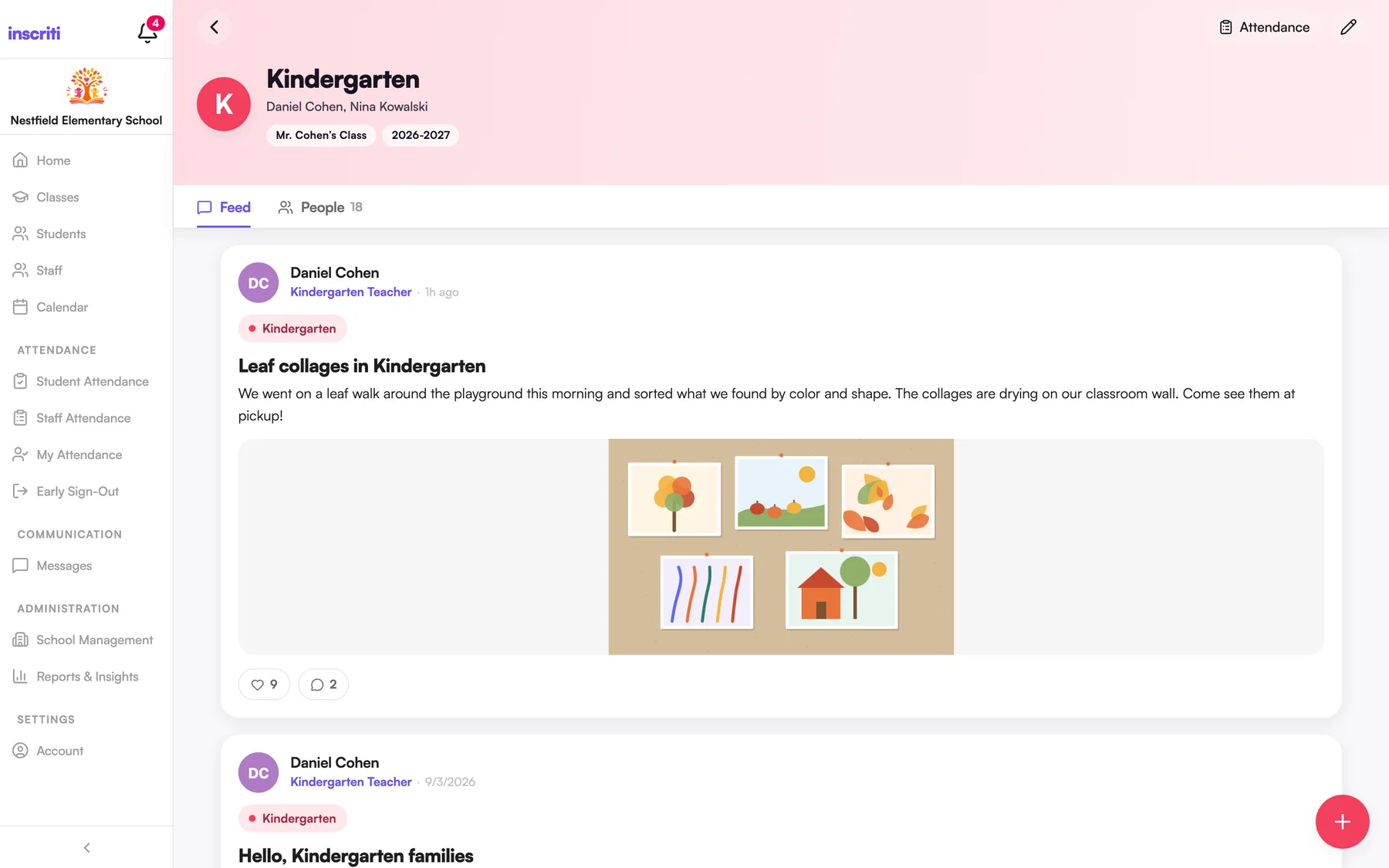
Classes with their own feed and people.
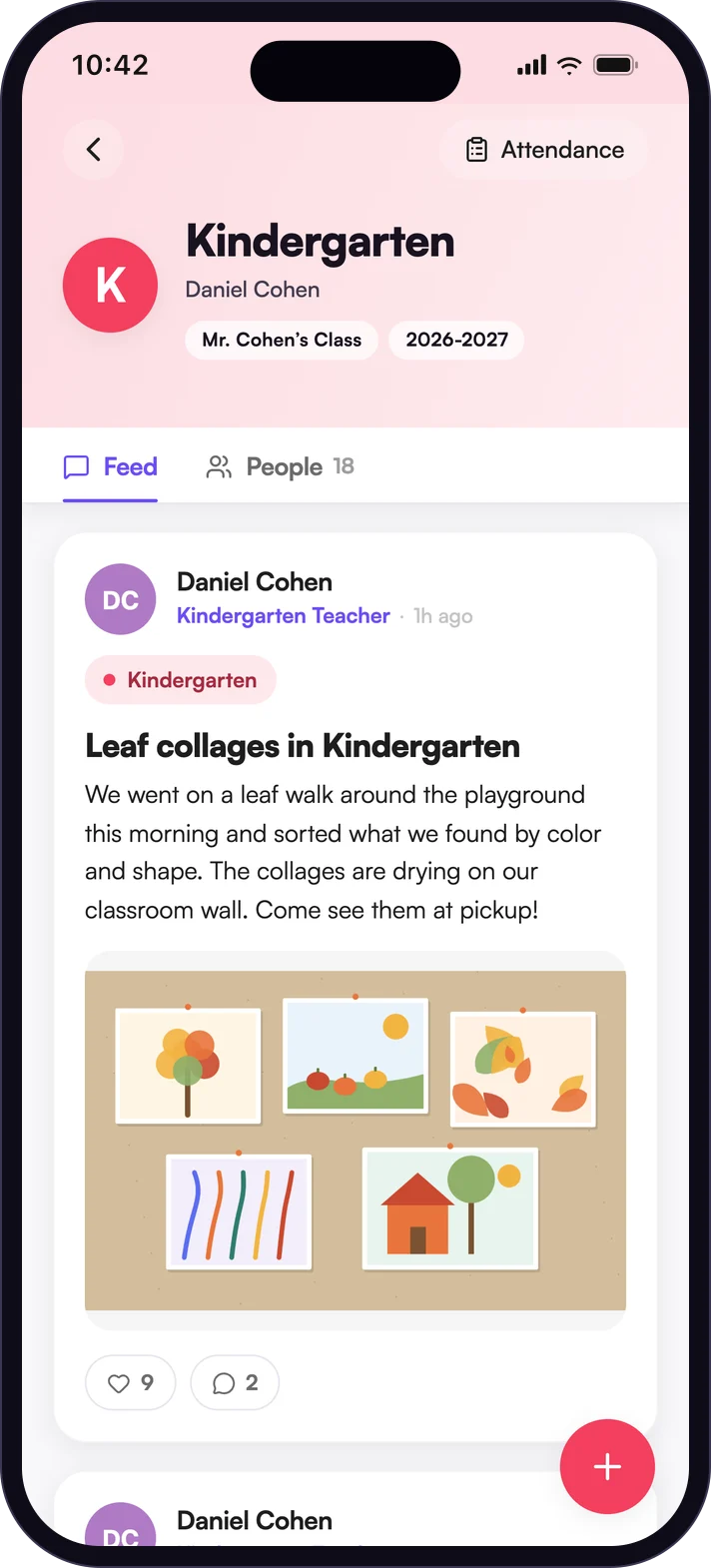
Each class has a feed for posts and a People tab for the roster. Assign one or more teachers, give the class a color, reorder the list to match how your school thinks about it, and archive classes at the end of the year.
- Teachers and admins can create and edit classes
- Archived classes can be restored
- The roster is visible to staff, not to followers
Two ways to connect a family. Both take a minute.
Invite a guardian by email from a student's profile and they're linked to that child the moment they sign in. Or share a class code: a six-character code with a matching QR and share link. A parent who picks their child is enrolled; anyone else follows the class and sees its posts.
- Followers can read, like and comment, but never see the roster or attendance
- Replace a code that was shared too widely, or switch it off
- Importing students doesn't invite parents until you're ready
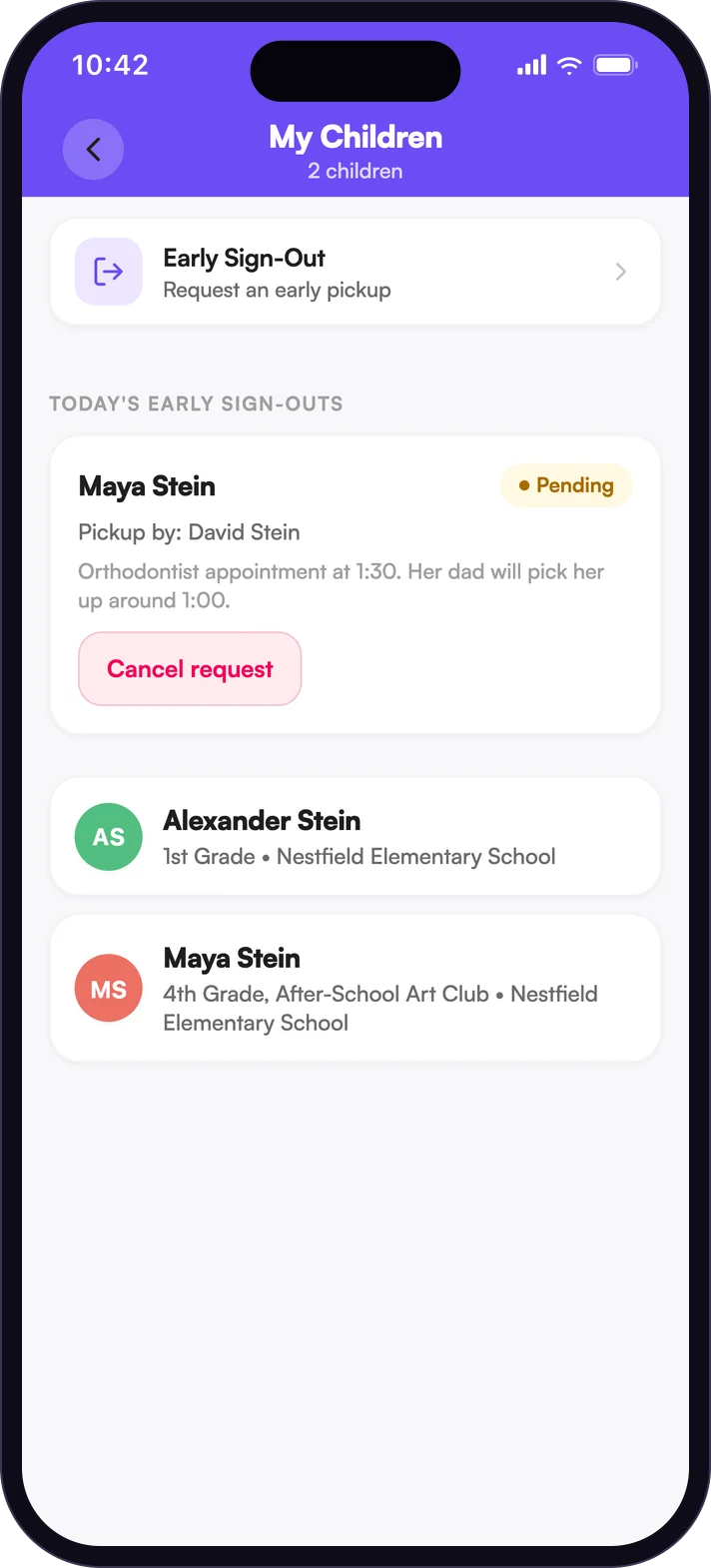
For parents, one place for every child.
Parents see each child's classes, teachers, attendance and shared Journey entries, and can message a teacher straight from their child's profile. One Inscriti account can belong to more than one school, so a parent with children at two schools switches between them without signing out.
- Filter the home feed by child
- A child's attendance is visible where the school turns it on
The details people ask about.
- CSV import
- Bring in a whole school from a spreadsheet. Birthdays can be written several ways.
- Custom fields
- Text, number, date or yes/no fields on every student.
- QR join
- Every class code has a QR and a share link.
- Guardians
- Link several guardians to a student, with their relationship.
- Journey
- A timeline of milestones, photos and notes. Staff choose what parents see.
- Invite on import
- Optionally email parent invitations as part of a CSV import.
See it with your own school in mind.
A short walkthrough with your team, mapped to how your school runs its day.