
Posts & messaging
Announcements, classroom updates, comments, and private conversations stay in one secure place — not scattered across email and texts.
Posts, messages, attendance, calendars, reports, and early sign-out — one calm workspace for families and staff, from the backpack to the front desk.
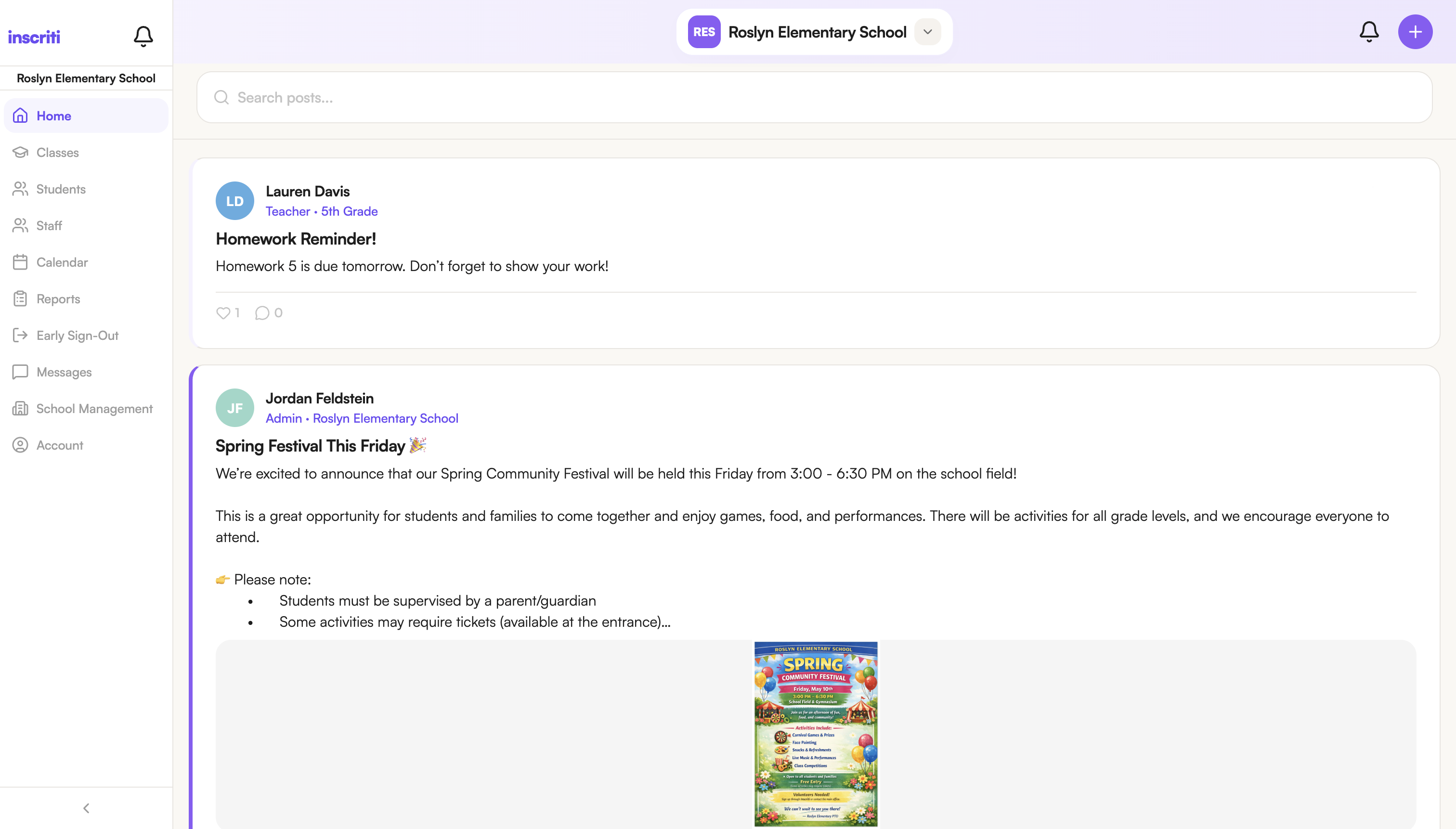
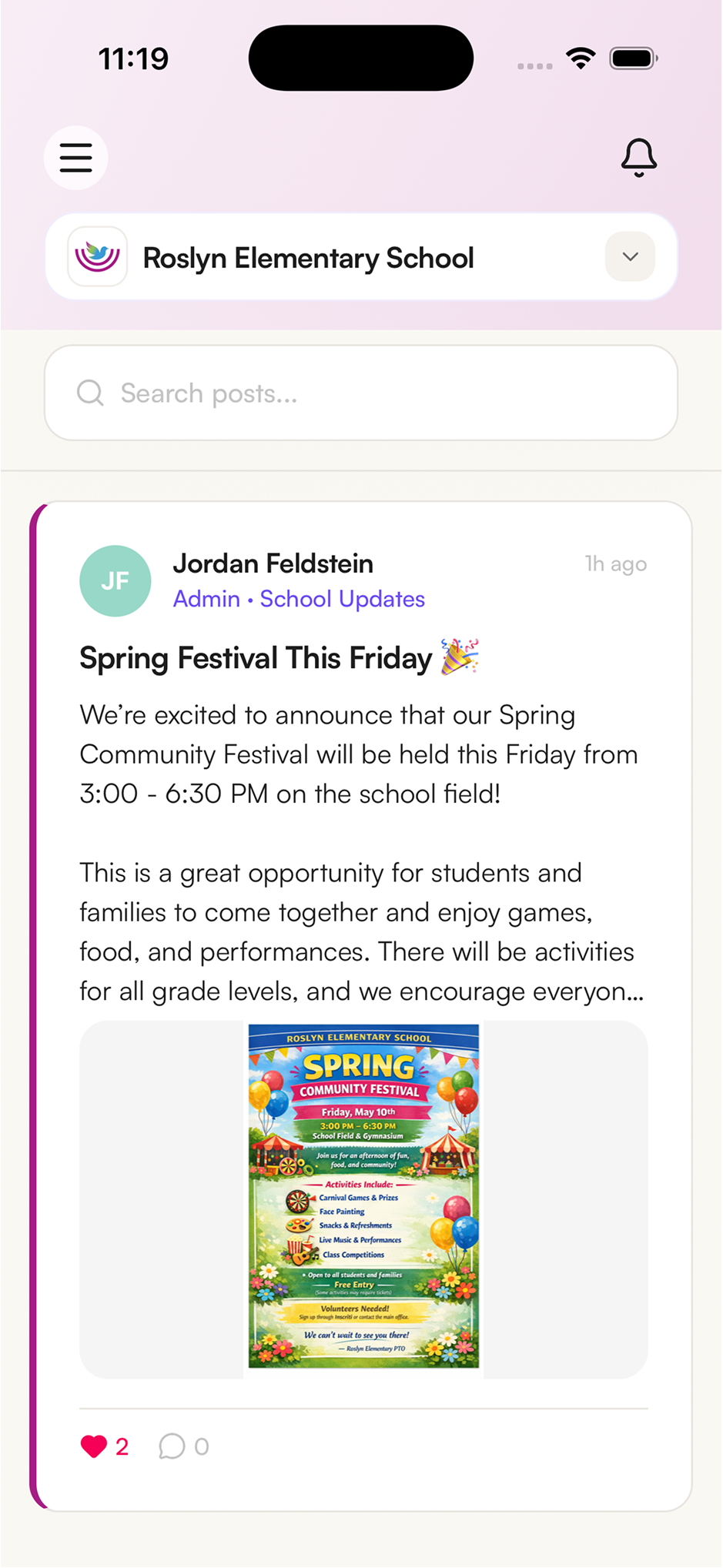
Inscriti keeps daily communication and operations connected, so every role sees the right information without another app, group chat, or paper trail.
Announcements, classroom updates, comments, and private conversations stay in one secure place — not scattered across email and texts.
Teachers record attendance in seconds, while the office keeps a clean, reviewable history for follow-up and reporting.
Events, handouts, and monthly calendars are easy for families to find.
Capture pickup details and signatures with an auditable workflow instead of loose forms.
Export attendance, class lists, and sign-out records — no more rebuilding spreadsheets.
Parents, teachers, office staff, and administrators each get a purpose-built experience — with the right permissions, on mobile and web, always in sync.
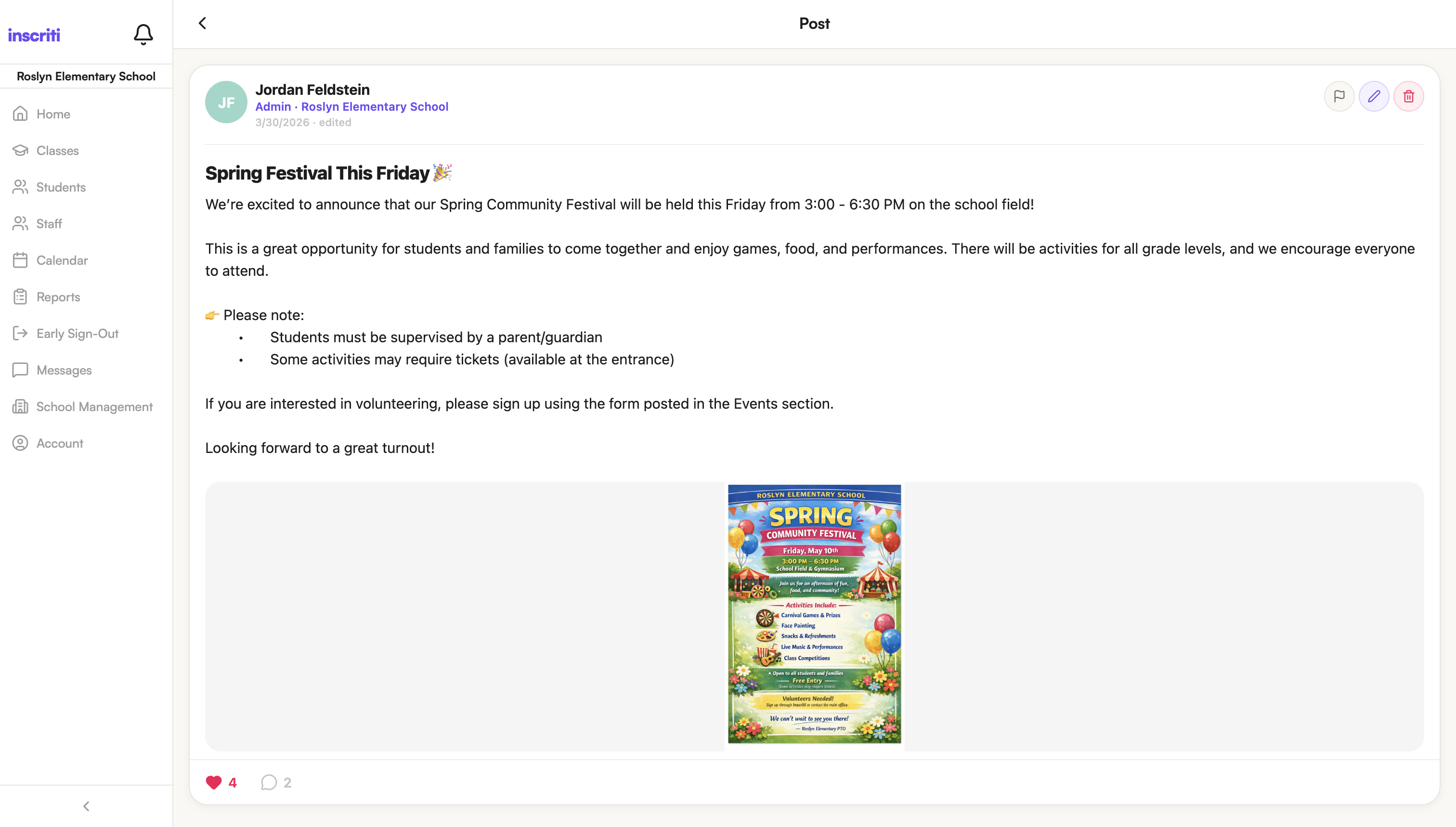
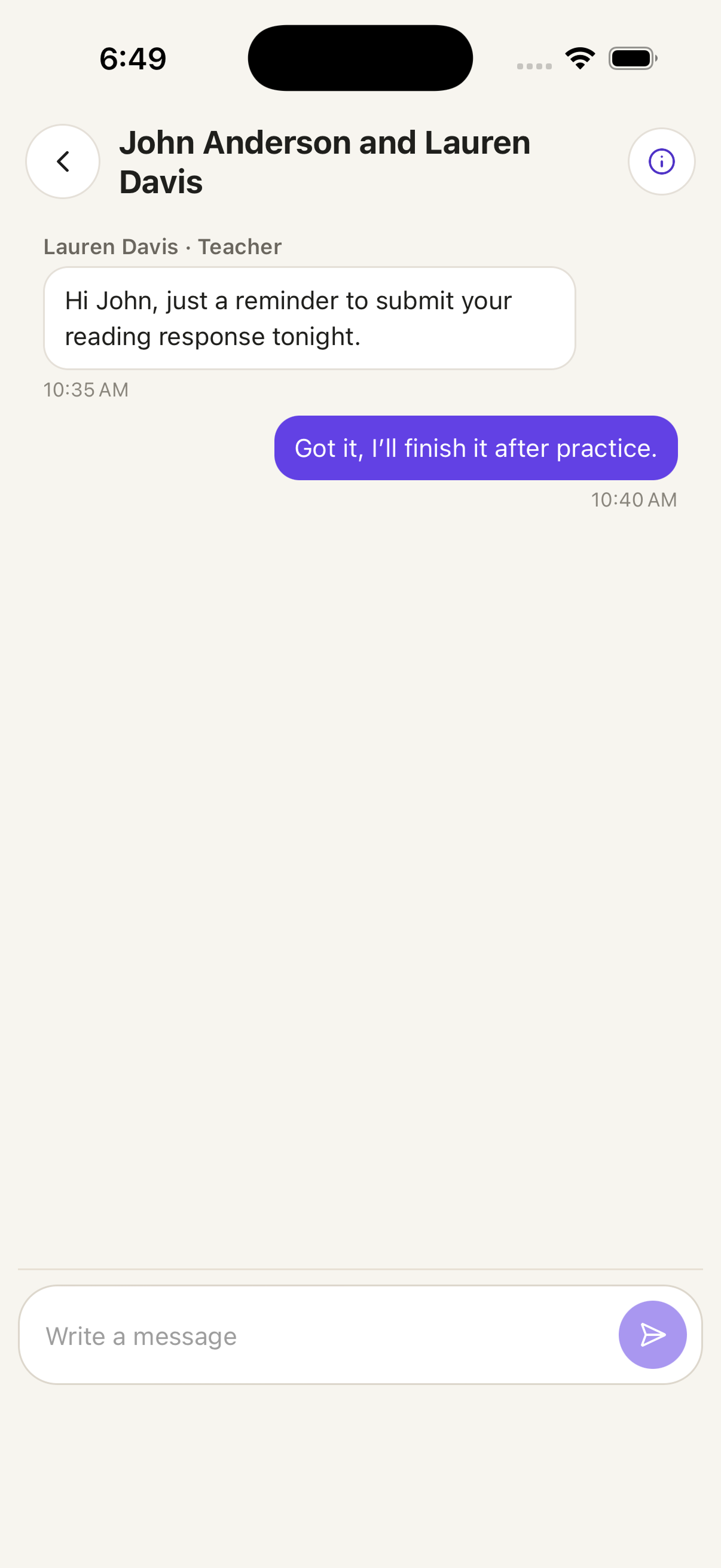
Inscriti isn't a parent app with admin tools bolted on. Every role gets a focused experience made for how they actually work.
Follow posts, message teachers, and keep up with every child — without digging through email threads.
Posting updates, taking attendance, and messaging families all happen from one workspace built for the classroom rhythm.
From launch setup to reports, admins manage staff, students, features, and records without stitching systems together.
Announcements, class updates, and private messages live in one secure feed.
Fast attendance for teachers and a clean, reviewable history for the office.
Post to a class, a grade, or the whole school across mobile and web.
Sign-outs, reports, and class lists stay exportable all year long.
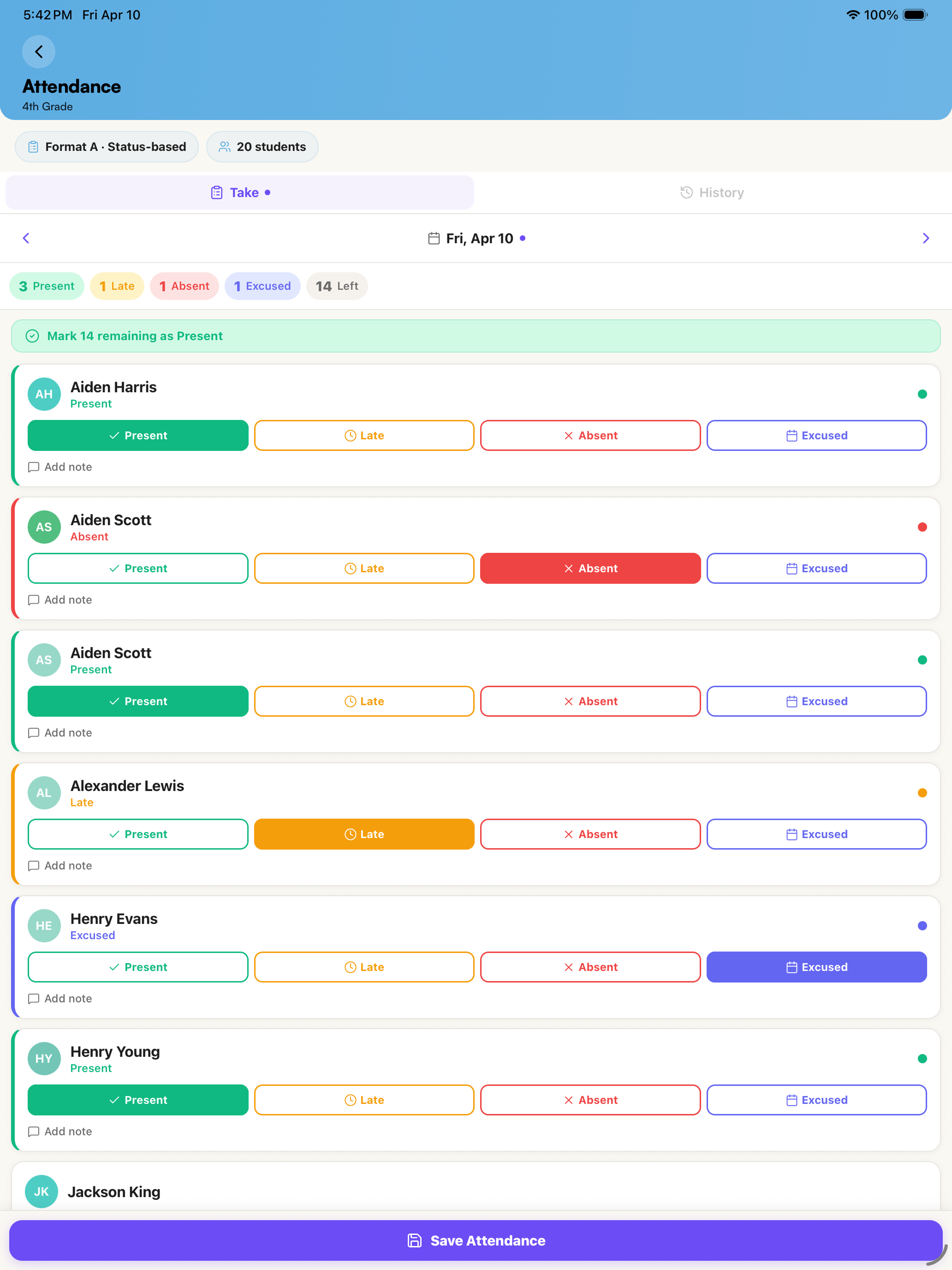
Schools run on repeated moments: a parent asking a question, a teacher posting a reminder, the office checking attendance, a child leaving early. Inscriti brings those moments into a system that feels organized and accountable.
Inscriti is designed to get a school live with real support, clean setup, and guides that make adoption easy.
Start with a focused demo so your team can see how Inscriti maps to the way your school operates.
Configure staff, students, classes, school years, features, and permissions with a clear launch checklist.
Use built-in invites, class codes, and quick-start handouts to bring families and staff on board.
Inscriti is built for schools of every kind and size — private and faith-based schools, religious schools, after-school and enrichment programs, and larger public campuses alike. If you run a school day, it's built for you. Parents, teachers, office staff, and administrators each get a role-based experience on mobile and web.
Yes. Families and staff can use the Inscriti mobile apps for iOS and Android, or the full web app at app.inscriti.com. Everything stays in sync across devices in real time.
Most schools go live quickly. After a short demo, we help you configure staff, students, classes, and permissions with a clear launch checklist, then invite your community using built-in invites and class codes.
Yes. Access is role-based, so each person only sees what they should. Communication and records stay inside your school's secure workspace — not spread across personal email and group texts.
Request a demo below and tell us a bit about your school. We'll get back to you to schedule a personalized walkthrough and help you plan a smooth rollout.
Tell us a bit about your school and we'll get back to you to set up a personalized walkthrough.