

Say it once. Reach everyone it's for.
Announcements, class updates and private messages live in one place, and each one goes only to the people it's meant for. Families who never install the app still get your posts by email.

Posts that land with the right people.
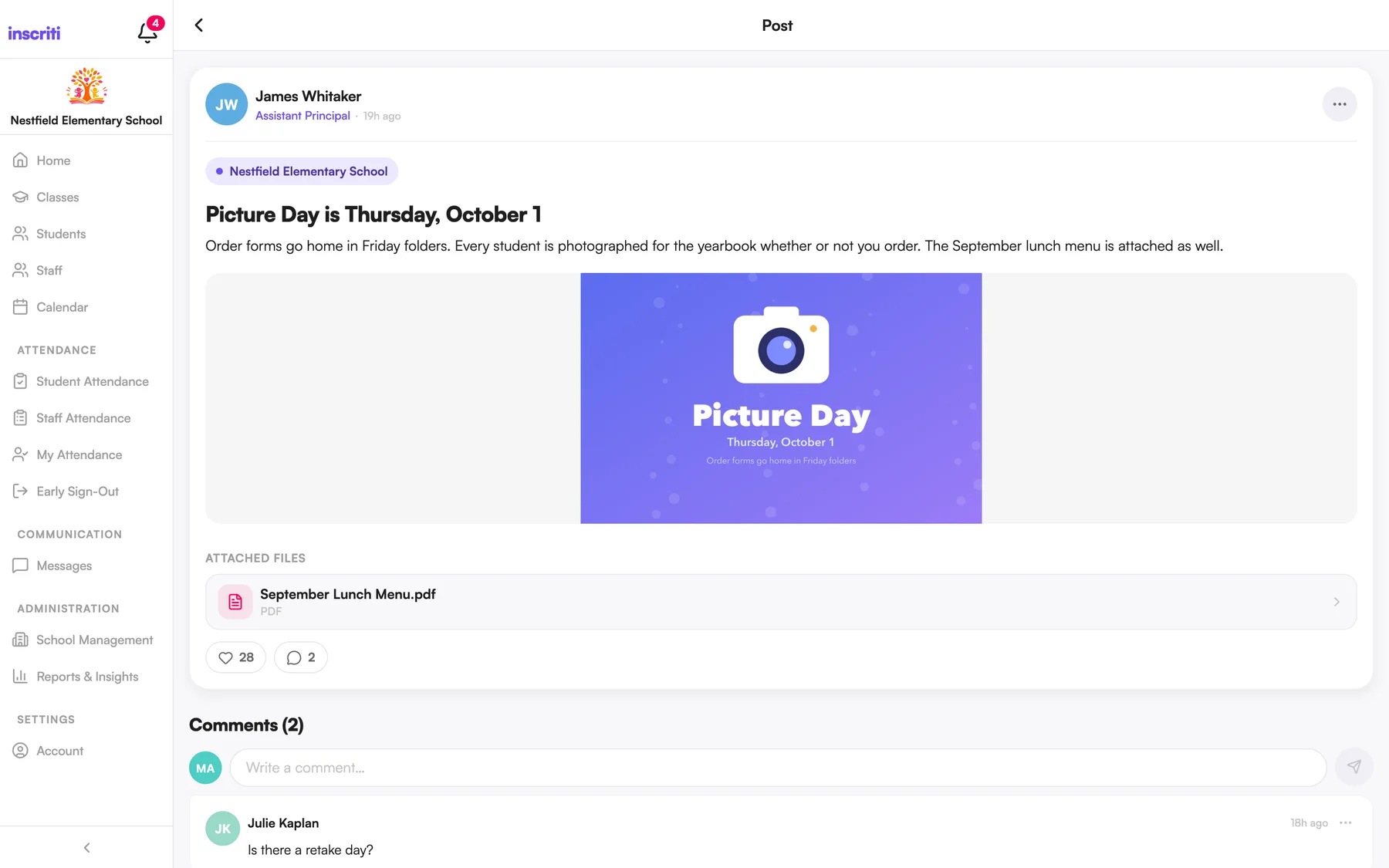
Choose who sees each post: the whole school, or one or more classes. Format the text, and add photos, videos, PDFs and Word documents. Parents can like and comment, and filter the feed by class or by child.
- Post to several classes at once
- Schedule a post for later, or save it as a draft
- Edit or delete a post after publishing
- Anyone can report a post or comment for an admin to review
Private messages, kept inside the school.
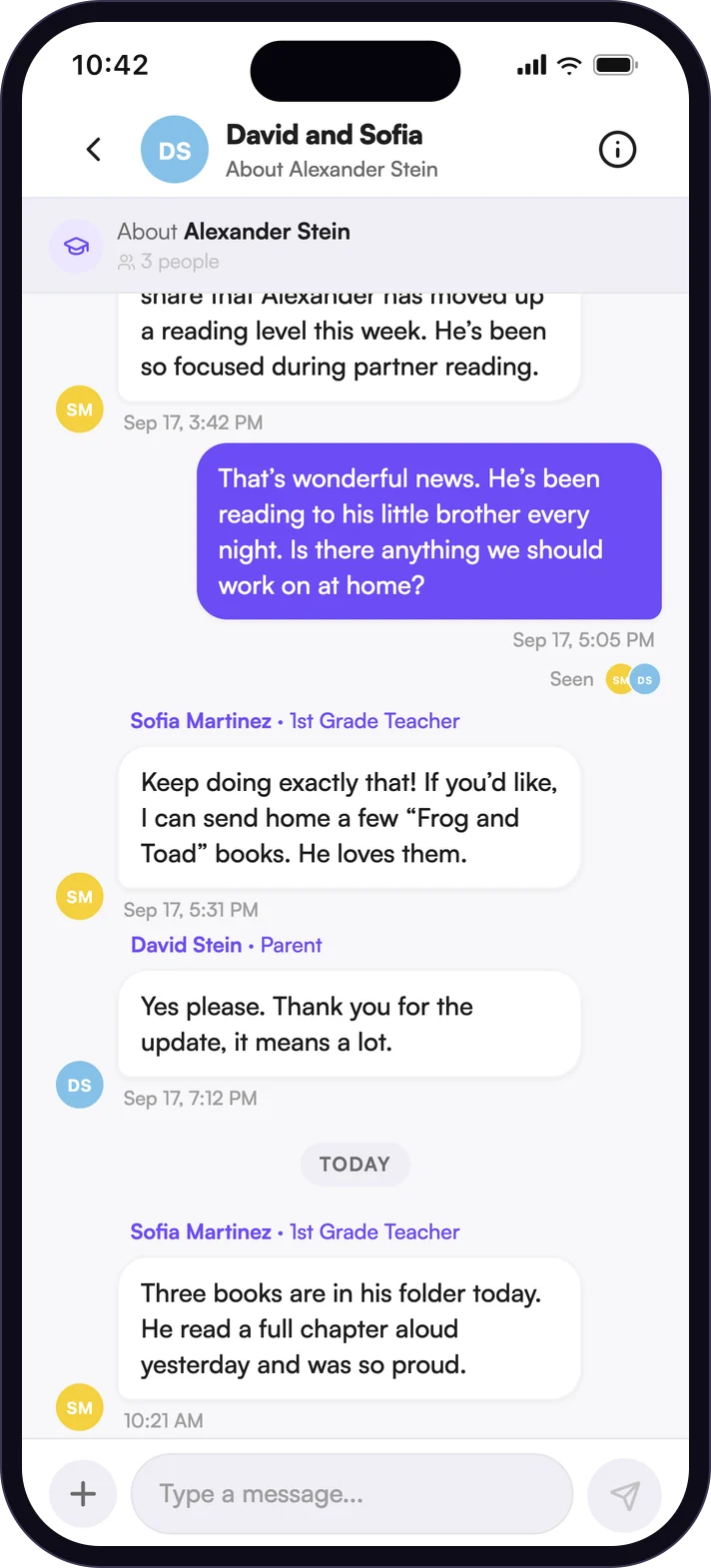
Parents message their children's current teachers and school admins. Teachers message other staff and the families in their classes. Conversations can carry photos and documents, show when a message has been seen, and can be muted or searched.
- Start a conversation from a class, a student profile or the Messages tab
- See when your message has been read
- School Messaging is a feature each school can switch on or off
Push, in-app, and email for everyone else.
Families choose how they hear from you: push notifications, in-app alerts and email, immediately or as a daily email. Guardians who never create an account still receive posts and announcements at the email address you have on file.
- No app and no sign-up needed to receive posts by email
- School Management shows how each guardian is reached
- Each person controls their own notification settings
The details people ask about.
- Scheduled posts
- Write it Sunday night, publish it Monday at 7:30.
- Attachments
- Up to 10 photos, videos, PDFs and Word documents on a post. Photos and documents in messages.
- Feed filters
- Narrow the home feed to one class or one child.
- Reporting
- Flag a post or comment with a reason. A school admin reviews it.
- App language
- Each person can change the language of their own app.
- Read receipts
- Know when a message has been seen.
See it with your own school in mind.
A short walkthrough with your team, mapped to how your school runs its day.